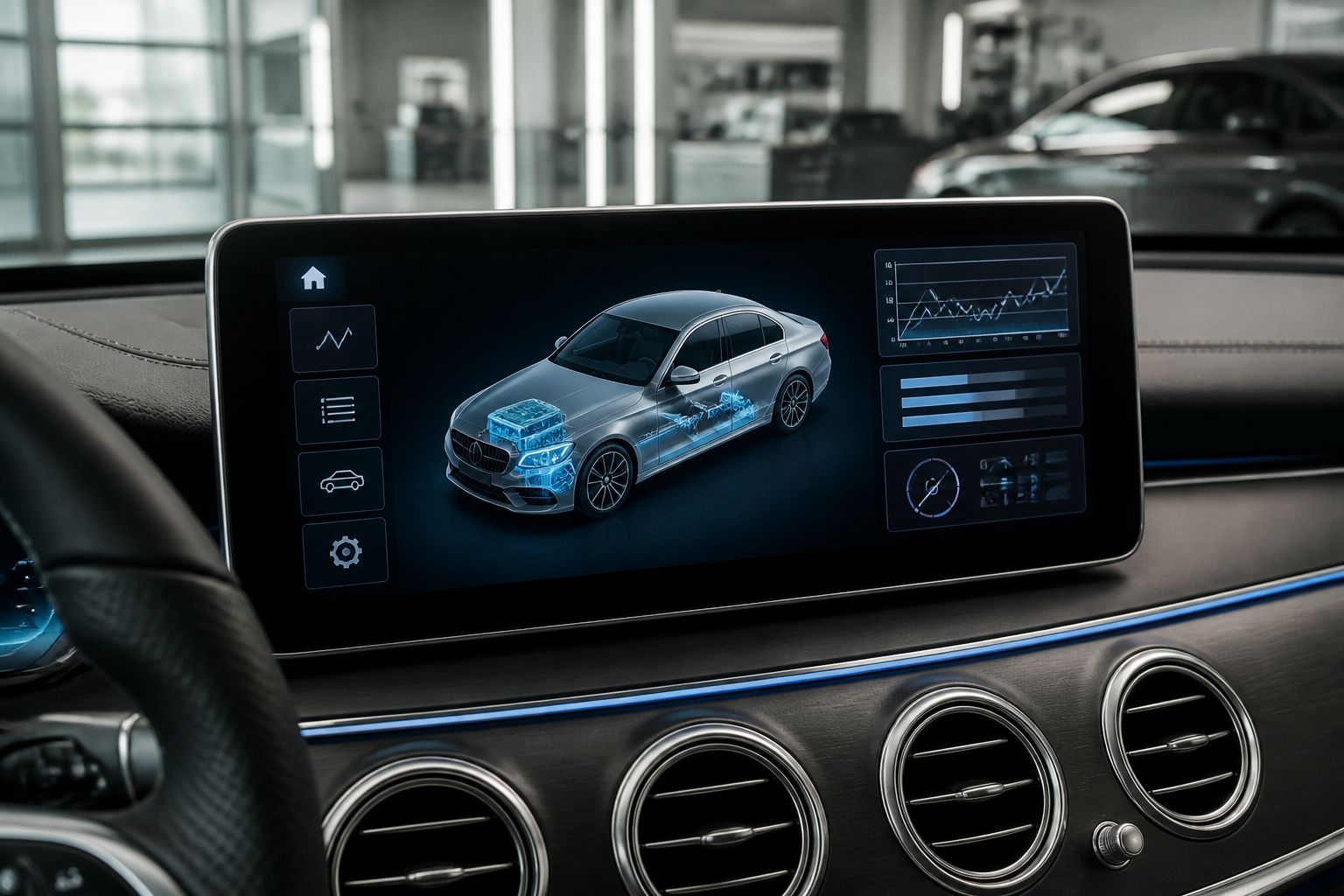
MB.OS diagnostics expand traditional onboard diagnostics by integrating cloud-connected data, predictive wear insight, and remote diagnostics, while still relying on basic OBD fault codes for urgent issues. Owners can access maintenance reminders and some diagnostic data via the Mercedes me app, but privacy settings determine data sharing. For unresolved or recurring faults, contact a dealer, as MB.OS data can guide a more precise service plan and reduce diagnostic time.
Five takeaways for Mercedes-Benz telematics and diagnostics
- MB.OS adds predictive maintenance and remote diagnostics beyond traditional OBD fault codes.
- Owners should review privacy settings to understand what data MB collects and shares.
- Use MB.OS maintenance reminders to optimize service timing and parts replacement.
- Remote diagnostics can speed up triage, but some issues still require an in-person visit.
- Stay informed about software updates, which may alter telematics behavior or service needs.
Mercedes-Benz telematics and MB.OS diagnostics form a modern, data-driven ecosystem that extends far beyond the traditional fault codes familiar to many owners. This pillar article explains how the telematics backbone, onboard diagnostics, and software-defined maintenance logic intersect for everyday ownership, detailing practical how-tos, limitations, and model-dependent caveats. The aim is a technically grounded, evergreen guide that helps owners interpret alerts, optimize maintenance planning, and know when dealer involvement is warranted.
What MB.OS and telematics do for ownership
MB.OS is Mercedes-Benz’s centralized software platform that coordinates vehicle functions, connectivity features, remote services, and over-the-air updates. Telematics encompasses the data pathways that collect vehicle state information — from powertrain and battery health to tire pressures and suspension status — and securely transmit it to Mercedes-Benz servers or dealer portals with the owner’s consent. The overarching intent is proactive maintenance, remote diagnostics, efficient service scheduling, and a smoother ownership experience. For owners, this translates into clearer maintenance timelines, earlier detection of potential failures, and guidance on whether a service visit is urgent or can be scheduled at a convenient time.
Onboard diagnostics vs. MB.OS diagnostics: how they relate
Traditional onboard diagnostics (OBD) provide fault codes and live data via handheld scanners or dealer tools. MB.OS diagnostics expands on this by weaving data from multiple control modules into a cloud-connected picture. It can surface trends, software health indicators, module-to-module communication status, and predictive signals that may not trigger a stop-prime warning but suggest degraded performance ahead of a code. In short, OBD remains the baseline for fault isolation, while MB.OS adds depth through cloud analytics, remote visibility, and proactive maintenance signals. The result is a diagnostic workflow that can catch issues earlier, sometimes before a fault code is recorded in the vehicle’s memory.
How data flows from vehicle to technician
- Vehicle sensors collect real-time data across powertrain, chassis, battery, body electronics, and telematics modules.
- Data is aggregated by MB.OS and transmitted over secure channels to Mercedes-Benz servers or authorized dealer portals.
- Automated checks run on the server side, flagging anomalies, software health concerns, or serviceable updates.
- When you authorize, a dealer can access this data to perform remote diagnostics, schedule service, or prepare a repair plan before your visit.
Key diagnostic data owners can meaningfully monitor
Owners should focus on actionable signals that influence maintenance planning and vehicle reliability. Depending on model and market, MB.OS may surface some or all of the following categories:
- Tire pressure and tire condition trends, including slow leaks or sensor health.
- Battery health indicators (state of charge, charge acceptance, voltage stability) for 12V and high-voltage systems in plug-in or hybrid models.
- Brake system status, including wear indicators and ABS/ESP module health.
- Powertrain software health and calibration status, including pending software updates and compatibility checks.
- Electric/electronic module health and communication status (canary indicators before a fault arises).
- Service reminders, maintenance windows, and anticipated service needs based on driving patterns.
It’s important to note that the exact data surfaced to the owner or via the Mercedes me app or portal depends on vehicle configuration, regional regulations, and consent settings. Some data may be visible only to authorized service personnel, particularly if it involves proprietary software health or dealer-specific diagnostics tooling.
Accessing diagnostics: owner steps and limitations
Access methods typically include the Mercedes me app, the in-vehicle display, and the dealer portal. Here are practical steps and caveats:
- Review service reminders and upcoming maintenance through the MB.OS-enabled interface. This can help you plan appointments and budget maintenance costs.
- Use the vehicle’s instrument cluster or central display to view basic fault codes or warnings when present. For deeper insights, a dealer or independent workshop with MB.OS-enabled tools is usually required.
- Understand consent settings. Some diagnostic data is transmitted only if you’ve enabled data sharing for telematics and remote services.
- For pre-purchase evaluation, request a vehicle history and remote health report if the seller or dealer can provide one under MB.OS access policies. Be aware that not all vehicles offer an exportable data packet to private owners.
Owners should expect a model- and region-specific experience. Higher-end models with more intensive telematics may provide richer insights, whereas vehicles with limited telematics hardware may offer core maintenance reminders and basic health status only.
Maintenance planning: MB.OS vs traditional workflows
With MB.OS, maintenance planning often shifts from a strictly time- or mileage-based approach to a hybrid model that blends scheduled maintenance with predictive indicators. Consider these practical patterns:
- Predictive maintenance alerts may propose service intervals based on driving style, climate, and usage patterns, potentially extending or shortening standard intervals.
- Remote diagnostics can flag software updates or module health issues that, if ignored, could lead to unexpected downtime or degraded performance.
- Software updates delivered over the air (OTA) can reduce visits for minor updates, but major hardware or software changes might still require a dealership visit.
- In some cases, a dealer may perform a remote diagnostic session to triage issues before a physical visit, which can save time and clarify required service steps.
Owners should maintain a practical log of observed symptoms (sound changes, handling quirks, reduced range in EV/hybrid modes) to correlate with MB.OS insights when discussing with a technician.
When to involve the dealer: decision criteria and caveats
Dealer intervention remains essential in several scenarios. Use these criteria to decide whether a visit is warranted, and what to expect from dealer diagnostics:
- Persistent or critical warnings: If a fault indicator remains illuminated or a warning persists after a self-check, schedule a diagnostic visit.
- High-voltage or safety-sensitive systems: Any service affecting high-voltage batteries, charging, or structural safety should be reviewed by qualified technicians with MB.OS access.
- Unclear or ambiguous data: If MB.OS flags an issue but the cause isn’t obvious from the owner’s perspective, a professional diagnostic session is advised.
- Software-driven updates: For vehicles with OTA updates, ensure the vehicle has completed the update cycle before diagnosing intermittent issues that could be software-related.
Limitations to keep in mind include data privacy controls, regional differences in data availability, and the fact that remote diagnostics do not always replicate a real-world driving condition. Some problems may only manifest under specific loads, temperatures, or road conditions that are not fully captured in remote data sets.
Model-dependent caveats and practical examples
MB.OS and telematics capabilities vary by model year, region, and market. Always check your owner’s documentation or with your dealer for specifics. A few representative scenarios help illustrate the practical use:
- EV battery health: In a plug-in hybrid or battery-electric Mercedes, MB.OS can monitor pack temperature averages and charge acceptance. A gradual decline in the reported range, paired with a sag in high-voltage system health, may prompt a battery efficiency check rather than an outright replacement recommendation.
- Tire management: Regular tire pressure readings with historical trend data can alert you to slow leaks or sensor faults, enabling timely tire service and preventing uneven wear.
- Software-only fault codes: A software module may report non-critical faults that don’t illuminate a dash light but indicate suboptimal calibration. In such cases, a software update or module reinitialization by a technician can restore optimal performance without mechanical work.
Always treat MB.OS-derived guidance as a supplement to physical inspection. Road test diagnoses, environmental testing, and component-level verification remain essential, especially for drivetrain or safety-critical systems.
Safety, privacy, and data handling considerations
Telematics data handling involves privacy and security considerations. Owners should be aware of:
- What data is collected (vehicle state, location, usage patterns) and how it is used by Mercedes-Benz and service providers.
- Consent settings enabling or restricting data sharing for telematics and remote services.
- Data access by authorized dealers and technicians, with access governed by regional data protection regulations.
- Best practices for safeguarding account credentials and regularly reviewing connected services in the Mercedes me app or portal.
Bottom line: a practical framework for owners
Mercedes-Benz telematics and MB.OS diagnostics provide a richer, proactive maintenance toolkit than traditional OBD-only workflows. Owners benefit from clearer maintenance planning, earlier visibility into potential issues, and more efficient dealer interactions. The trade-offs include reliance on consent-based data sharing, model- and region-specific feature sets, and the need to validate remote insights with physical diagnostics when uncertainty remains. Use MB.OS diagnostics as a decision-support resource, not a replacement for professional technician assessment when warranted.
MB.OS diagnostics vs traditional OBD workflow
| Aspect | MB.OS diagnostics | Traditional OBD |
|---|---|---|
| Data depth | Module-to-module health, trend data, cloud access | Code-centric fault readouts |
| Access method | Mercedes me app and dealer portal | Standalone scanner or shop tool |
| Maintenance insights | Predictive wear, reminders, service optimization | Periodic service schedule based on mileage/indicator lights |
| Remote capability | Remote diagnostics, software updates | Limited to on-site tool reads |
| Privacy considerations | Region/consent governs data sharing | Minimal cloud data; local readouts only |
Common questions about MB.OS and diagnostics
What telematics data does MB.OS collect?
MB.OS collects vehicle health indicators, usage patterns, tire pressures, battery status, software health, service reminders, and diagnostic codes, subject to regional privacy settings and owner consent.
How can I access vehicle diagnostics?
Diagnostics are accessible via the Mercedes me app and dealership portals. Some data is shown in the vehicle interface, with deeper insights available through authorized channels.
When should diagnostics be performed at a dealer?
If remote diagnostics indicate a potential fault, if a fault code persists after initial service, or if software updates require dealer finalization, schedule a visit to validate and repair any issues.
Can I opt out of data collection?
Privacy settings allow you to limit data sharing. Opting out may limit remote diagnostics and some connected features; review settings in the Mercedes me app and vehicle menu.
Do MB.OS updates affect maintenance timing?
Yes. Over-the-air updates can change software behavior and maintenance recommendations. Check release notes and confirm whether any service actions are required after updates.