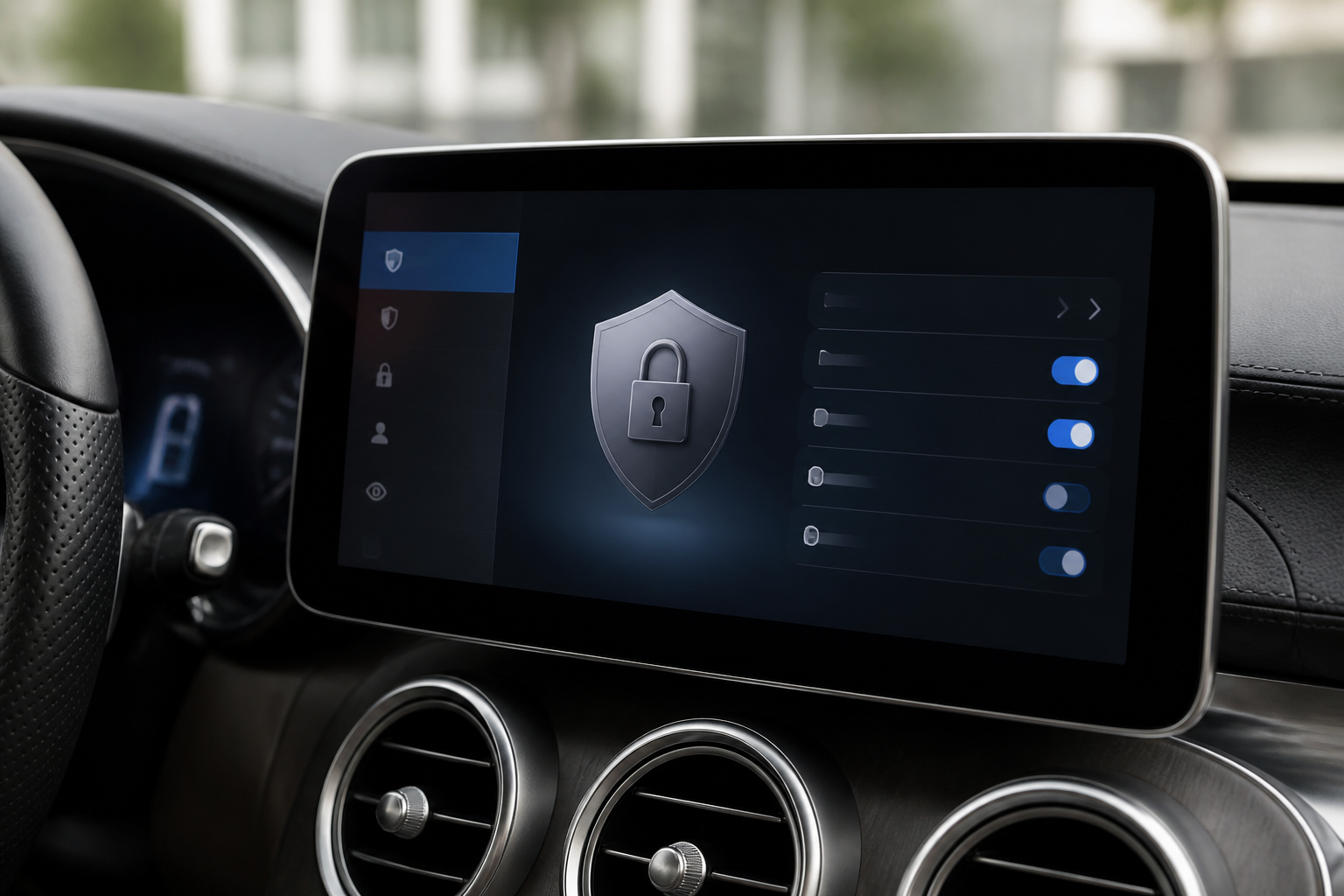
MB.OS collects telemetry, location data, driver preferences, and diagnostic information to power maintenance reminders, remote services, and updates. Owners can manage privacy via in-vehicle and Mercedes me app settings, including toggles for data sharing, location, personalization, third-party access, and data export. Critical safety features require some data transmission, so disabling certain categories may limit some connected services, though core vehicle safety remains active. Regularly review updates to privacy controls after software releases.
Key takeaways
- MB.OS collects data to enable maintenance, navigation, and remote features; you can manage most privacy settings in-car and in the Mercedes me app.
- Granular controls exist for telemetry, location, and third-party access, but some essential data transmission may be required for safety and core functions.
- Privacy settings can change with OTA updates; review notes after each software update to adjust permissions accordingly.
- Compared to rival systems, MB.OS emphasizes explicit consent and clear dashboards, with a focus on data minimization and user control.
- Exporting or deleting data is possible in many cases, supporting data portability and privacy rights.
Mercedes-Benz MB.OS marks a significant shift in how owners interact with their vehicles, blending advanced software customization with continuous connectivity. This guide delves into the data practices behind MB.OS, what data is collected, how the data is used to support vehicle performance and services, and the practical steps owners can take to manage privacy and control. It also highlights limitations, model-specific caveats, and how MB.OS privacy controls compare with common competitor systems, helping readers make informed decisions about data sharing and ownership costs.
What MB.OS collects and why it matters
MB.OS collects a range of data to keep the vehicle secure, up-to-date, and capable of delivering connected services. Typical categories include:
- Vehicle health and performance data: drivetrain status, battery state of charge (in electrified models), fault codes, software version, and sensor health. This data supports diagnostics, OTA software updates, and proactive maintenance reminders.
- Location data: for navigation, live traffic, remote services, and safety features. Depending on settings, data may be processed to provide route planning, geofencing, and location-based driver profiles.
- Driver preferences and personalization: seat, climate, lighting, and control presets stored in the cloud to enable seamless handoff between vehicles or after system resets.
- Usage data: how features are used, app interactions, and connectivity status, used to improve reliability, usability, and feature relevance.
- Crash and safety data: when a fault or collision is detected, data packets may be transmitted to support post-incident diagnostics and safety research.
Data collection is designed to enable essential vehicle operability, remote diagnostics, OTA updates, and enhanced customer experiences. However, the breadth of data collection also raises questions about privacy, data ownership, and the potential for data to be shared with partners.
How MB.OS uses data in practice
Data supports both core reliability and value-added features, including:
- Security and software integrity: verifying firmware integrity, authenticating remote access, and preventing tampering with software modules.
- Predictive maintenance: correlating sensor readings with service intervals to anticipate component wear before a failure occurs.
- Navigation and traffic services: processing location and usage data to deliver accurate maps, traffic awareness, and route optimization.
- Personalized settings: saving preferred climate, seat positions, ambient lighting, and display layouts to reduce setup time across drives or vehicles in a family fleet.
- Diagnostics and support: sharing anonymized or consented data with Mercedes-Benz teams or authorized partners to troubleshoot issues, improve product quality, and inform future updates.
When data is shared with third parties, Mercedes-Benz emphasizes data minimization and user consent. The specifics can vary by market, model, and service plan, so reading the local privacy notice is important. Some data handling is governed by regulatory requirements that may affect what can be collected and stored, especially related to location and health data in certain regions.
Owner control: which elements you can manage
MB.OS provides a layered set of privacy controls accessible via the vehicle’s touchscreen and the Mercedes me app. Typical control points include:
- Data sharing toggles: opt-in or opt-out of telemetry, crash reports, diagnostic data, and anonymized usage analytics. Some markets may require default consent for essential functions, with opt-out available for non-critical data categories.
- Location permissions: enable location collection for navigation and connected services, or restrict it to approximate location. Some features may function with reduced accuracy if precise location is blocked.
- Profile and data localization: decide which settings and driver profiles are stored in the cloud versus kept locally on the vehicle. Local storage can minimize cloud data exposure but may limit cross-vehicle personalization.
- Third-party app access and integrations: manage permissions granted to connected apps and services via OAuth-like flows, including revoking access if needed.
- Data export and deletion requests: initiate data portability downloads or deletion requests where permitted by applicable law and safety constraints. Some data may be retained for safety, legal, or technical reasons even after a deletion request.
- Device and account security: enable multi-factor authentication, review recent account activity, and update credentials to protect remote access points.
Users should note that disabling certain data streams can impact essential features. For example, turning off critical telemetry or remote diagnostics may limit OTA repair capabilities, predictive maintenance alerts, or remote assistance functions. If such features are disabled, the vehicle interface or app may present warnings or require manual confirmation to continue operating in a reduced-capability mode.
Model- and region-specific caveats
The exact data practices and privacy controls can differ by model year, regional laws, and MB.OS configuration. Some vehicles may segregate data collection between standard infotainment features and enhanced connected services, with newer platforms offering expanded privacy dashboards. In regions with stricter privacy regulations, MB.OS may provide more granular controls or longer data retention intervals for certain categories. Always consult the latest in-car privacy notices and the Mercedes me app settings for your specific vehicle and location.
Privacy controls versus competitor systems
Compared with common rival systems, MB.OS emphasizes a combination of in-vehicle controls and cloud-based privacy settings, with a focus on user consent and data minimization. Practical differences you might observe include:
- Granularity of consent: MB.OS attempts to segment data categories (telemetry, location, diagnostics) so owners can opt in or out of individual streams rather than applying a blanket privacy setting.
- Cloud-versus-local storage balance: MB.OS frequently differentiates between data kept in the vehicle and data stored in the cloud for cross-vehicle personalization, potentially offering more local control options on certain trims.
- OTAs and diagnostics workflow: the privacy model is tightly integrated with maintenance workflows, so disabling data streams can directly influence remote support and update processes more noticeably than some competitors.
Practitioners evaluating MB.OS privacy should contrast these points with rival ecosystems, noting where each system preserves essential functionality while offering opt-out options that align with their privacy preferences and ownership costs.
Practical steps to manage MB.OS data privacy
For owners ready to adjust privacy settings, a practical sequence can help balance privacy with the benefits of connected features:
- Audit the privacy dashboard: review all data categories, noting which are essential for operation and which are optional for personalization.
- Adjust location permissions: start with precise location enabled for navigation; switch to approximate if available, then consider turning off location for non-essential services.
- Tune data sharing: disable telemetry and analytics where feasible, then test essential functions to confirm that safety and remote services remain functional.
- Review profile storage: prefer local cloud storage for driver profiles if you want to minimize cloud exposure, but be aware of cross-device consistency benefits.
- Manage third-party access: periodically audit connected apps and revoke permissions for any that are unnecessary or unused.
- Request data handling options: use export and deletion requests where applicable; verify the status of any data that must be retained for safety or legal reasons.
- Keep software up to date: ensure you receive notifications about privacy-related policy updates during OTA updates, as these can modify data handling terms.
If you are unsure about the impact of a particular setting, start with a conservative configuration that protects location data and telemetry, then gradually enable features as you confirm continued satisfaction with vehicle performance and remote services.
Limitations and things to remember
- Some privacy settings are constrained by safety and legal requirements. Certain data collection may be mandatory to ensure vehicle safety, regulatory compliance, and platform integrity.
- Data retention policies may differ by country and service type, meaning that even after deletion requests, some data could be retained for a legally required period or for operational purposes.
- MB.OS privacy controls evolve with updates. Regularly revisiting privacy settings after OTA updates helps ensure alignment with current options.
Understanding MB.OS data privacy and owner control empowers you to balance the advantages of connected Mercedes-Benz technology with your personal data preferences. By tailoring data sharing to your comfort level, you can manage ownership costs related to data usage, improve your sense of privacy, and maintain the benefits of remote diagnostics, updates, and personalized vehicle experiences.
MB.OS privacy controls vs. rival systems (illustrative)
| Category | MB.OS | Rival system A |
|---|---|---|
| Telemetry collection | Granular controls; can disable most analytics | Moderate controls; some data shared for services |
| Location data | Optional, with approximate/location options | Often required for navigation and safety features |
| Third-party access | Explicit app permissions; user consent required | Some defaults favor service integration |
| Data export | Available in app/portal; user-initiated | Varies by region; not always straightforward |
Privacy questions about MB.OS
How can I limit data sharing?
Open MB.OS privacy settings in the car and the Mercedes me app, then toggle off telemetry, analytics, and third-party sharing where available.
Can MB.OS use location data offline?
Some features work offline, but location-based services typically require network access; you can limit exact location sharing and use approximate location where offered.
What privacy settings are available?
Settings typically include data sharing, location permissions, personalization, third-party app access, and data export/delete options.
Is there a way to delete my MB.OS data?
Data export and deletion requests are generally supported; follow in-app prompts or contact Mercedes-Benz customer support for assistance.
Do essential safety functions require data sharing?
Core safety and vehicle integrity rely on data transmission; some telemetry may be required to ensure secure operation and maintenance services.