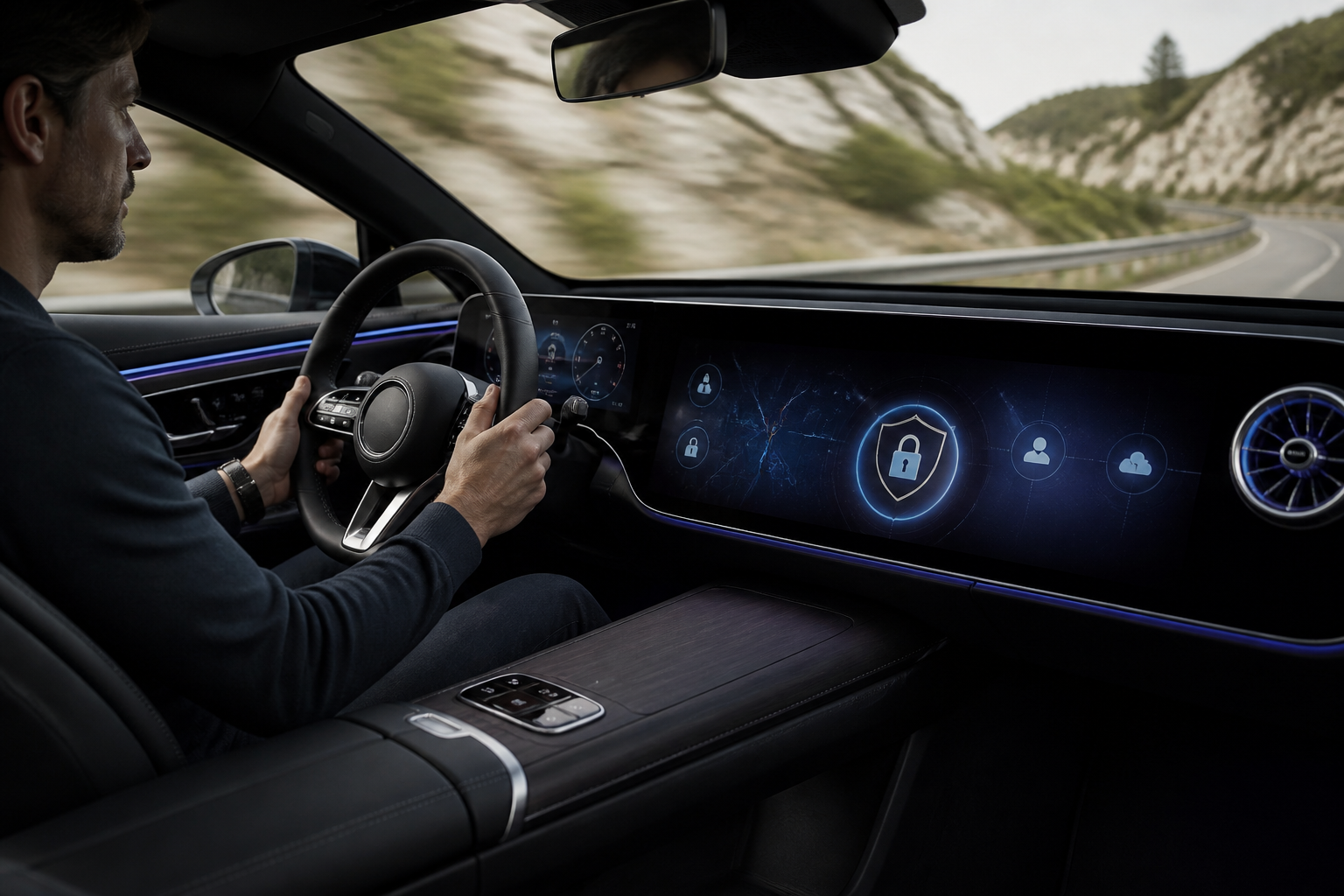
MB.OS collects data to enable features like navigation, vehicle health, and remote services, while applying privacy-by-design principles to minimize data use, secure data, and give owners control. You can manage data via in-car privacy dashboards and Mercedes me settings, limit non-essential data sharing, and review regional options for data deletion or consent. Privacy varies by region and vehicle configuration; keep MB.OS updated to access the latest protections.
Key takeaways for MB.OS privacy and control
- MB.OS uses data from vehicle telemetry, status, and user preferences to power features and improve services.
- Privacy-by-design in MB.OS emphasizes data minimization, purpose limitation, and robust security measures.
- Owners have dashboards and controls to review, limit, or opt out of non-essential data collection where available.
- Data storage may be local or cloud-based, with encryption and restricted access as standard practice.
- Regional privacy rules affect available controls and data rights; always review local MB.OS privacy documentation.
Mercedes-Benz’s MB.OS is positioned as more than an infotainment layer; it’s the software backbone that shapes how drivers interact with vehicles, services, and apps. Yet with every feature—from navigation to remote telematics—comes data, and with data comes responsibility. This article explains what MB.OS collects, how that data is used, where it’s stored, and what controls owners have to protect privacy. It also compares MB.OS privacy approaches to traditional infotainment privacy models and outlines practical steps to enhance your data rights without sacrificing convenience.
What MB.OS collects and why
MB.OS collects a range of data to enable features, improve services, and support safety and maintenance. Core categories typically include vehicle telemetry (speed, location, driving behavior), vehicle status (battery levels, systems health), user preferences (display settings, favorite destinations, voice profiles), and service data (remote vehicle access events, app interactions). Data may be aggregated for analytics, product improvement, or to deliver personalized experiences like route suggestions, remote start, or maintenance reminders. Collecting this information allows systems to adapt to driver habits, optimize routes for traffic conditions, and predict maintenance needs before a fault becomes critical.
Data collection is designed to support essential functions such as safety systems, remote services, and over-the-air updates. Non-essential data, such as certain marketing analytics or app usage details, should, in theory, be configurable or opt-outable in privacy settings, depending on regional regulations and vehicle configuration. In practice, the availability and granularity of opt-out options can vary by market and software version, so owners may need to review the latest in-vehicle privacy controls or rely on regional privacy laws for specifics.
Privacy-by-design: core principles in MB.OS
Privacy-by-design means privacy is integral to the system architecture rather than an afterthought. In MB.OS, this translates to:
- Data minimization: collection is restricted to what is necessary for the features and services you actively use, reducing exposure for unused data categories.
- Purpose limitation: data use is aligned with stated purposes such as safety, maintenance, and user experience enhancement, not arbitrary data harvesting.
- Access controls: data access is restricted to authenticated systems and personnel, with layered security measures and least-privilege principles.
- Transparency: clear indicators show when data is being collected and how it’s used, with understandable privacy notices tied to features.
- Security by design: encryption in transit and at rest, regular security assessments, secure software update mechanisms, and defenses against tampering or spoofing of vehicle systems.
Where MB.OS stores data and how it’s protected
Data storage locations depend on the vehicle’s configurations and regional requirements. Some data may be stored locally on the vehicle for immediate processing, while other data is transmitted to cloud services for analytics, optimization, and cross-device synchronization. Security measures typically include encryption in transit (TLS/HTTPS), data-tokenization, and robust access controls within the Mercedes-Benz IT ecosystem. On-device storage is designed to be resilient against tampering, with hardware and software safeguards that mitigate extraction of sensitive information. Over-the-air updates are designed to harden security and reduce vulnerabilities by patching software components across MB.OS.
Owners should be aware that even with strong protections, cloud-connected features introduce potential exposure vectors. Understanding which features rely primarily on cloud processing versus on-device processing helps in assessing privacy risk and configuring controls accordingly.
Owner rights and controls: how to manage MB.OS data
Mercedes-Benz provides several ways to control data within MB.OS. Typical controls include:
- Privacy dashboards: centralized views to see what data is collected and for what purpose, with quick access to settings that affect data flows.
- Data opt-out: options to limit non-essential data collection or marketing analytics where available, bearing in mind that some opt-outs may affect feature availability or performance.
- Consent management: manage consent for new features and data categories as MB.OS evolves, often during feature updates or app installations.
- Data deletion requests: request deletion of personal data where permissible under local law, noting that some data may be retained for safety, legal, or operational requirements (e.g., diagnostic logs for maintenance).
- Vehicle-level privacy settings: toggles for location sharing, remote services, diagnostics data, and participation in data-driven improvements, allowing owners to tailor privacy to their comfort level.
Practical steps to exercise control:
- Review the privacy dashboard regularly to understand current data flows tied to your MB.OS usage.
- Adjust location sharing and telematics settings to minimize ongoing data transmission when not needed for navigation or safety features.
- Opt out of non-essential analytics to reduce profiling and generalized marketing data collection, while keeping critical safety and maintenance data enabled.
- Periodically perform a data deletion or export request if you plan to transfer or purge your personal data, following regional procedures.
- Note feature-by-feature changes after software updates, as new MB.OS capabilities may introduce new data-sharing elements requiring consent.
MB.OS privacy in practice: implications for owners and comparisons with traditional models
Compared with traditional infotainment privacy models, MB.OS emphasizes ongoing data protection across a broader set of functions, including remote vehicle access, predictive maintenance, and cross-device experiences. The design aims to minimize data collection by default and to require explicit user actions for non-essential data sharing. Practically, this means you may experience a tighter privacy posture without necessarily sacrificing core convenience, though some features may require consent to function optimally or to deliver personalized services.
Limitations and caveats to consider include regional legal differences, variations in hardware or software configurations across model years, and the evolving nature of MB.OS with software updates. Privacy controls may also lag behind new data categories as Mercedes-Benz expands MB.OS capabilities, underscoring the importance of staying informed about feature changes and revisiting privacy settings after updates.
Practical examples: tailoring MB.OS privacy in everyday use
Example 1: You rely on precise navigation with live traffic. You can keep location data enabled for navigation while restricting background analytics to minimize data use when the car is idle. Example 2: You want remote vehicle updates but prefer not to share diagnostic data for marketing purposes. Use the privacy dashboard to selectively enable updates while opting out of marketing analytics. Example 3: You’re preparing to sell or lease your vehicle. Consider exporting or deleting personal data, and review what is retained in vehicle maintenance logs, diagnostic histories, and owner profiles before transfer.
Future outlook: evolving MB.OS privacy and owner controls
As MB.OS continues to evolve with new features, Mercedes-Benz is likely to expand privacy controls to reflect new data categories and purposes, including interoperability with third-party apps and services. Owners should anticipate periodic privacy notices and consent prompts tied to feature rollouts, and should remain vigilant about updated terms and settings after software updates. The goal remains clear: to offer a privacy-first framework that preserves safety, reliability, and the convenience of MB.OS while giving owners meaningful control over their data.
MB.OS privacy approach vs. traditional infotainment privacy
| Aspect | MB.OS approach | Traditional infotainment |
|---|---|---|
| Data minimization | Yes; configurable categories; coverage varies by region | Often broader collection with fewer owner controls |
| Consent & transparency | In-app dashboards; ongoing updates to policies | Limited in-app disclosure; post-hoc updates common |
| Security measures | End-to-end encryption, secure OTA updates | Standard on-device privacy with fewer modern safeguards |
| Owner controls | Granular toggles for data categories | Limited toggles; fewer regional options |
| Region-specific rules | Designed to align with GDPR-like frameworks where applicable | Varies; may be less aligned with strict regional rules |
Frequently asked questions
What data does MB.OS collect by default?
MB.OS collects data related to vehicle status, location (when enabled), driving behavior, and user interactions to support features and maintenance.
Can I opt out of data collection in MB.OS?
Yes, where available you can adjust privacy settings to limit non-essential data. The exact options depend on your region and vehicle configuration.
How is MB.OS data stored and protected?
Data can be stored locally in the vehicle or in cloud services, protected by encryption in transit and at rest, with access restricted to authorized systems.
How can I delete my MB.OS data?
Data deletion options exist in privacy dashboards or via your Mercedes me account, subject to regional legal requirements and service constraints.
Will MB.OS privacy settings affect feature availability?
Disabling certain data-sharing features may limit personalized services, but essential safety and maintenance features should remain functional.