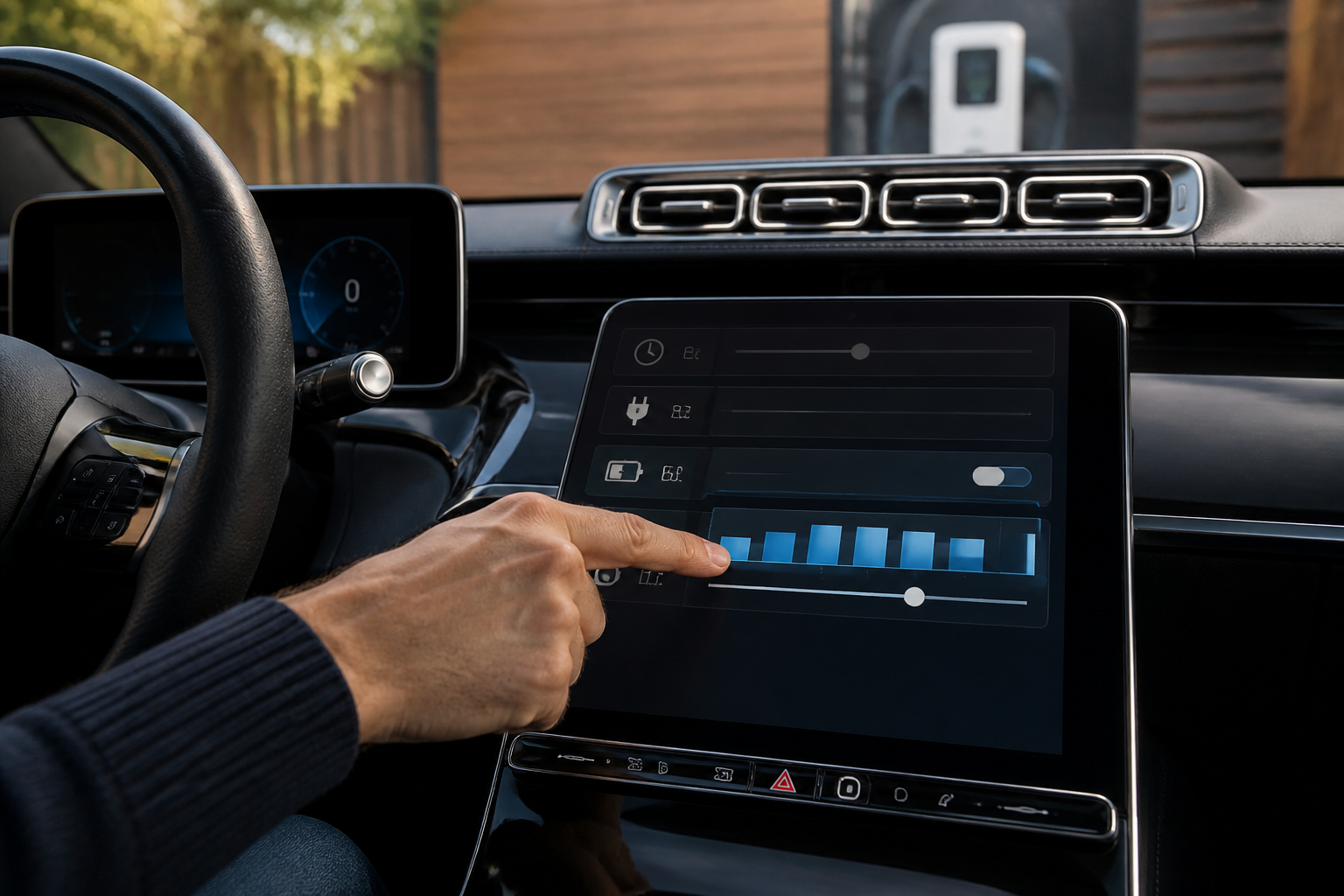
To configure Mercedes-Benz EV charging in MBUX, access Charging Options to set a departure time, choose a maximum charging current, and (if desired) set a maximum charge level. Your Wallbox setup in the USA also supports a charging schedule that aligns with the vehicle’s charging ecosystem. Use the listed manuals as your step-by-step reference to ensure the settings work together to finish charging by your departure time without exceeding home electrical limits.
Key takeaways
- MBUX charging options include departure time, maximum charging current, and maximum charge level.
- Departure-time scheduling helps the vehicle reach the target state of charge by the time you need to leave.
- Maximum current is limited by the vehicle’s charging cable capabilities; align settings with hardware limits and home wiring.
Overview: practical in-car charging controls for Mercedes-Benz EVs
For Mercedes-Benz owners and prospective buyers, understanding how to manage charging within the MBUX system and with home charging hardware is essential to optimize daily routines and battery health. Verified sources from the EQB SUV MBUX Owners Manual and the Mercedes-Benz Wallbox Operating Manual USA describe a coordinated set of controls: you can schedule departures so the vehicle reaches a target state of charge by a chosen time, you can cap the charging current to match home electrical capacity, and you can optionally impose a maximum battery level to prevent unnecessary top‑ups. The guidance applies to models equipped with MBUX charging options and compatible charging hardware, and it highlights the interaction between vehicle settings and home charging infrastructure.
Where you see these options, why they exist, and how they behave can depend on exact model year and hardware, but the core concepts are consistent: scheduled charging is a planning tool; maximum current protects wiring, and maximum charge level helps manage battery longevity and daily range planning. This article focuses on the practical steps you’ll use in real-world daily charging scenarios.
Where to find charging options in MBUX
The in-car charging controls live in the MBUX interface under a dedicated charging or charging options section. In typical Mercedes-EQ configurations, you will encounter three primary configuration items within the charging options:
- Departure time / scheduling — sets when you need the vehicle to be at a target state of charge, guiding the charging plan to meet that deadline.
- Maximum charging current — limits the rate at which the high-voltage battery can be charged, based on what the vehicle and the home supply can safely deliver.
- Maximum charge level — a cap on the battery’s state of charge, useful to prevent staying at or charging beyond a preferred upper limit.
These entries are shown as distinct items in the charging options flow. The manuals emphasize that the system uses the chosen departure time, the current state of charge, and the selectable maximum current to determine when charging should occur and when to taper the process as the target time approaches. If you also use a Mercedes me Charge ecosystem with a Wallbox, the Wallbox schedule can be aligned with the vehicle’s settings to ensure consistency across home charging.
Departure time scheduling: how it works in practice
The departure-time feature lets you specify a moment you need the vehicle ready for departure, and it translates that requirement into a charging plan. The system estimates how long charging must run to reach the target state of charge by the scheduled time, then uses the available charging current (subject to the maximum you set) to execute that plan. If conditions change (for example, you enqueue a different departure time or your state of charge is already close to the target), the plan adjusts accordingly in real time.
Key practical notes:
- Drafting an accurate departure time helps avoid unnecessary charging that would waste electricity and time.
- Departure-time scheduling is most effective when you know your daily routine and can consistently plan around it.
- Vehicle charging will still comply with safety limits and cable capabilities; if the home supply or cable cannot deliver the chosen current, the system will adapt by running at a lower rate.
Setting maximum charging current: what it means for home charging
The maximum charging current is the ceiling for the rate at which the car accepts energy from a charger. In practice, this is useful when you have a home outlet, wallbox, or public charger with a limited amperage. By setting a lower maximum current, you can align charging with the capacity of your home electrical circuit, avoiding tripped breakers and reducing heat generation during charging.
Important considerations:
- The available current you can safely use depends on your home wiring, the dedicated circuit, and the charging hardware (cable and Wallbox if used).
- Higher current generally reduces total charging time, but only if the charger and wiring support it.
- If you frequently park for short periods, a lower maximum current can prolong the duration of a trickle charge, which may be undesirable for reaching a target SOC by your departure time.
Setting maximum charge level: why cap the state of charge?
Maximum charge level is a cap on the battery’s state of charge (SOC). Setting a ceiling—such as 80% or 90%—can help manage battery aging and tailor daily range to your needs. This is especially common for drivers who commute short distances and do not require the full 100% every day. The option is separate from the departure-time logic: it constrains the target SOC that the system will aim for during charging, regardless of how long the charge session runs.
Practical effects:
- With a capped SOC, the vehicle will stop charging once the target SOC is reached, even if the departure time window is not yet fully utilized.
- A higher cap (closer to 100%) is preferable when you need maximum range for the day; a lower cap favors battery longevity for drivers with foreseeable long idle periods between charges.
Wallbox and home charging: coordinating a schedule
The Mercedes-Benz Wallbox Operating Manual USA confirms that scheduling is part of the Wallbox operation and can be used alongside MBUX settings to plan when charging occurs at home. If you rely on a Wallbox for home charging, ensure that its own schedule supports your vehicle’s departure-time window and that the Wallbox is configured to deliver the chosen maximum current. In many setups, the Wallbox and the car negotiate charging based on affordability of the electrical supply and the driver’s preferred SOC target.
Practical step-by-step setup (in-car and at home)
- Open the charging options in MBUX and locate the departure time or scheduling feature.
- Set your desired departure time so the vehicle reaches the target SOC by that moment. If you know you’ll depart earlier or later on certain days, adjust accordingly or maintain a flexible window where possible.
- Set the maximum charging current to match your home electrical capacity and safety limits. If you are unsure, start with a conservative value and test during a typical charging session.
- Optionally set a maximum charge level to cap the SOC at a percentage that fits your daily planning and battery health goals.
- If you use a Wallbox, review its scheduling function and ensure it aligns with the vehicle’s departure window and current limit. Validate that the Wallbox is configured for the same charging window and SOC target.
Important cautions and caveats
The manuals emphasize that the maximum charging current is constrained by the vehicle’s charging cable capabilities and the hardware involved. Always verify:
- Your home electrical circuit and the Wallbox support the chosen current without tripping breakers or overheating.
- Your vehicle model and software version expose the same charging option controls described in the sources.
- Impact of a scheduled charging plan on daily routines—if your departure times vary, you may want to set a flexible schedule or default to a standard SOC target.
Quick reference recap
- Departure time schedules charging to reach a target SOC by a chosen moment.
- Maximum charging current caps the charging rate to match home infrastructure.
- Maximum charge level caps the SOC to protect battery health or fit daily range needs.
- Wallbox schedules can complement or mirror vehicle settings for consistent home charging behavior.
Sources