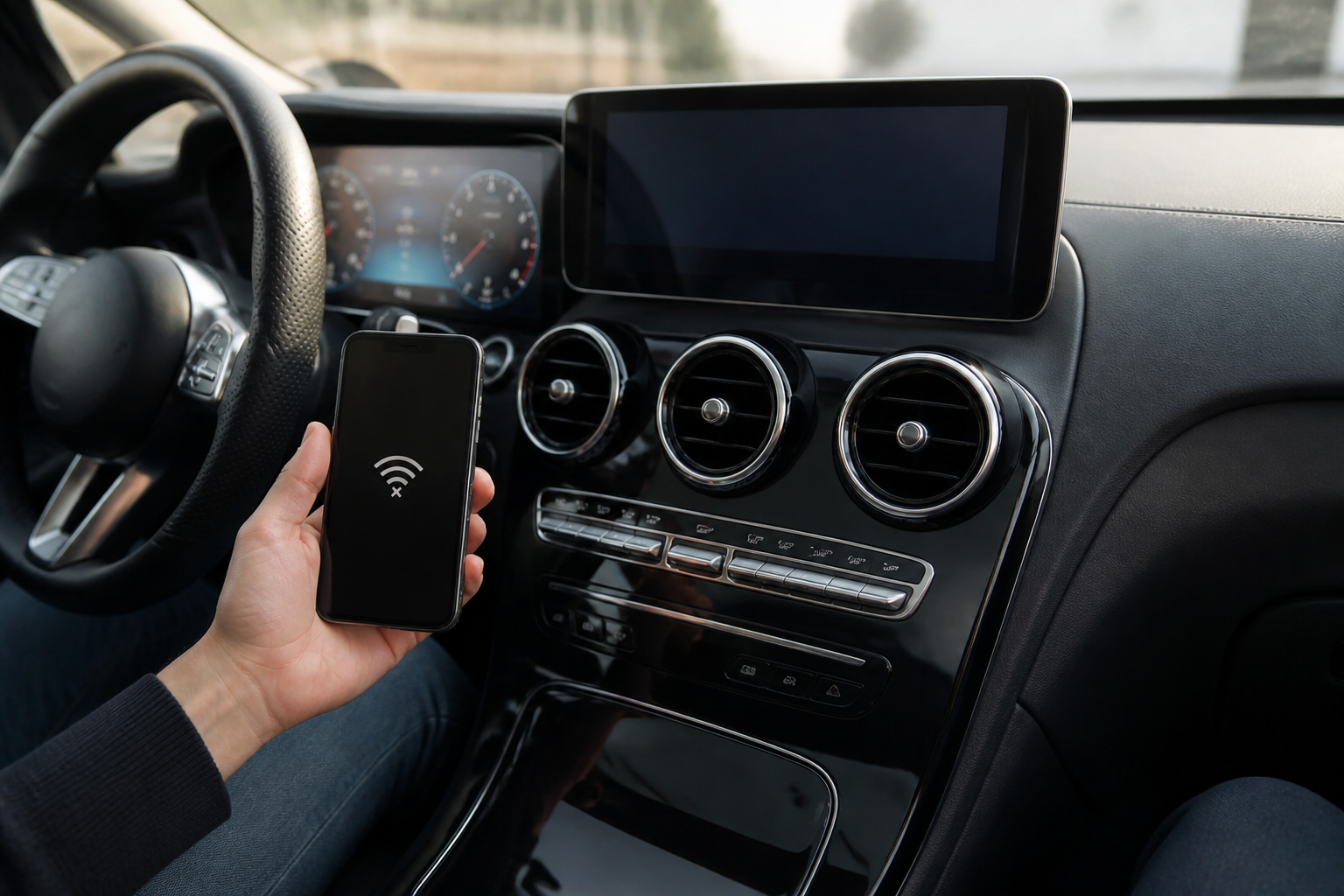
To address Apple CarPlay disconnections on Mercedes-Benz MBUX NTG7, first verify if the issue is wireless CarPlay only or also occurs with USB. Check that Wi‑Fi is enabled in the MBUX system, ensure iPhone Wi‑Fi is on and CarPlay Auto‑Join is enabled, and consider rebooting both the iPhone and the head unit. If disconnects persist, test in different environments to assess RF interference and compare wireless vs wired behavior to help isolate the cause before dealer service.
Key takeaways
- ,
- - Wireless CarPlay interruptions on MBUX NTG7 can stem from environmental interference, device factors, or head-unit firmware/hardware issues.
- - Owner checks should separate wireless vs wired CarPlay behavior and verify Wi‑Fi activation on both the vehicle and iPhone.
- - Rebooting involved devices and testing in varied environments are recommended prep steps before dealer service.
- - Consult Mercedes-Benz owner manuals and Apple’s CarPlay setup guidance for model-specific requirements and steps.
Overview
Mercedes-Benz MBUX NTG7 introduces wireless CarPlay that can occasionally disconnect, drop audio, or fail to recognize a paired iPhone. This article builds on verified source materials to provide an owner‑first diagnostic checklist, clarifying when issues are wireless versus wired, how Wi‑Fi and CarPlay prerequisites operate, and what the most frequently documented contributing factors are. The goal is to empower owners to perform systematic checks before seeking dealer service, while acknowledging model‑dependent caveats and limits of the published guidance.
Why CarPlay may drop or misbehave on MBUX NTG7
Mercedes-Benz technical literature and related service notes describe a range of potential causes for intermittent CarPlay connections over Wi‑Fi. These can include safety‑critical or environment‑driven factors and may involve both the head‑unit and the connected device. Common themes across sources include RF interference from external electronics, issues originating on the iPhone or iOS software, and possible firmware or hardware faults within the MBUX NTG7 system. The guidance also references resets or reboots of involved devices as a first‑line remedy to address temporary software glitches. While the exact combination of causes varies by vehicle, geography, and device, the owner’s best approach is a disciplined, step‑by‑step diagnostic that distinguishes wireless‑only problems from universal CarPlay faults.
Apple’s CarPlay documentation reinforces that wireless CarPlay requires a stable pairing, an active iPhone wireless interface, and proper selection of the CarPlay network with Auto‑Join enabled where available. When CarPlay is wireless, the iPhone and the head unit exchange data over a local network—any disruption in Wi‑Fi, Bluetooth handshakes, or the iPhone’s network state can manifest as drops or failures to recognize the iPhone. The Mercedes‑specific notes in the NTG7 context echo that CarPlay behavior may differ between wireless and wired connections and that Wi‑Fi settings within the vehicle play a central role in wireless CarPlay operation.
Taken together, the most actionable takeaway is that sampling both wireless and wired CarPlay paths helps identify whether a fault is wireless‑only, device‑side, or head‑unit related. The sources also emphasize one practical remedy aligned with many owners’ experiences: perform controlled reboots of the involved systems to clear transient software issues before escalating to service.
Owner-checklist: fast, preservice diagnostic steps
Test wireless vs wired CarPlay behavior: Determine if the issue occurs only when using wireless CarPlay, or if CarPlay via USB (wired) experiences similar disconnects. The Mercedes‑Benz owner manual notes that CarPlay behavior can differ between these pathways and can depend on other connected devices. This distinction helps isolate whether the problem is Wi‑Fi‑dependent or broader.
Verify vehicle Wi‑Fi status for CarPlay: In NTG7, the vehicle’s Wi‑Fi network is used to support CarPlay when connected wirelessly. Ensure Wi‑Fi is activated in the head unit when wireless CarPlay is selected. If Wi‑Fi is deactivated, the CarPlay connection can be interrupted or fail to sustain. The official owner documentation describes the role of Wi‑Fi as integral to CarPlay operation.
Check iPhone CarPlay settings: On the iPhone, ensure Wi‑Fi is on and that the iPhone is authorized to join the CarPlay network. Enable Auto‑Join if available, and follow the onscreen prompts to connect to CarPlay through the vehicle’s wireless interface. Apple’s guide highlights these settings as central to establishing a stable wireless link.
Rule out RF/interference factors: The NHTSA‑listed materials identify environmental RF interference as a potential contributor. When testing, consider variations in location (urban, rural, or areas with heavy radio frequency activity). If possible, observe whether the issue recurs in settings with fewer RF sources (e.g., in a different city or a known low‑interference environment).
Perform controlled reboots: Reboot the iPhone and, if practical, the MBUX head unit. Resetting software states is a commonly recommended first step for intermittent CarPlay connectivity issues and is explicitly referenced in the cited materials.
Cross‑check with wired CarPlay: If wireless CarPlay disconnects persist, connect the iPhone via USB to CarPlay and monitor whether the problem follows the wireless path. If the issue does not occur on wired CarPlay, this further points to a wireless/Wi‑Fi related root cause.
Review device health and software status: Ensure the iPhone is running a supported iOS version and that no known CarPlay compatibility issues are active for your OS build. Similarly, confirm that the MBUX NTG7 system has the latest available firmware within the constraints of your vehicle and that the head unit hasn’t exhibited persistent fault indicators in system logs (as accessible to trained technicians).
What the verified sources say you should look for
The primary references document several recurring themes. The NHTSA TSBI for NTG7 connectivity problems notes:- Brief wireless interruptions and audio gaps are among the most common complaints.- Possible causes span environmental interference, cellular/Wi‑Fi interference, device software issues, and head‑unit hardware/firmware faults.- Resets or reboots of devices are listed as potential remedy steps within the diagnostic framework.The Mercedes‑Benz MY22 MBUX manual clarifies the specific role of Wi‑Fi for CarPlay and warns how deactivating Wi‑Fi can interrupt CarPlay communication, while Apple’s CarPlay support outlines the setup steps and prerequisites for wireless pairing, including ensuring Wi‑Fi is enabled and Auto‑Join settings are correct. These sources together form a practical baseline for owners to perform a structured test before considering dealer service.
Because model variants and software revisions exist, owners should consult model‑ and year‑specific notes within the NTG7 literature and their vehicle’s owner manual for any page‑level cautions or steps that are unique to their configuration. The referenced materials provide a framework rather than a guaranteed, one‑size‑fits‑all procedure.
Bottom‑line guidance for owners
- Initial checks should separate wireless from wired CarPlay behavior to identify the likely fault pathway (wireless vs device/vehicle‑side).
- Verify the vehicle’s Wi‑Fi status and the iPhone’s CarPlay network settings, including Auto‑Join, as these are central to wireless CarPlay stability on NTG7.
- Consider environmental interference and perform controlled reboots to clear transient software issues before escalating to dealer service.
- If problems persist only on wireless CarPlay, a dealer visit may be warranted for deeper diagnostics of the head‑unit firmware/hardware or potential needing of software refreshes; if wired CarPlay works normally, the focus remains on the wireless path and related settings.
For owners seeking direct workflows, refer to the Apple CarPlay setup guidance for iPhone connections and the official Mercedes‑Benz NTG7 documentation cited in this article. These documents collectively inform a practical, owner‑friendly approach to diagnosing Apple CarPlay connectivity drops in MBUX NTG7 vehicles.
Sources referenced in this article include the NHTSA NTG7 connectivity TSBI, the MY22 MB MBUX owner manual, and Apple’s CarPlay setup guidance. Links: All model series with MBUX NTG7 – Connectivity interruptions for Apple CarPlay (TSB/repair instructions); MY22 MBUX Operating Instructions (Wi‑Fi and Apple CarPlay connectivity basics); Connect iPhone to CarPlay (USB or wireless) – Apple Support guide.
Sources