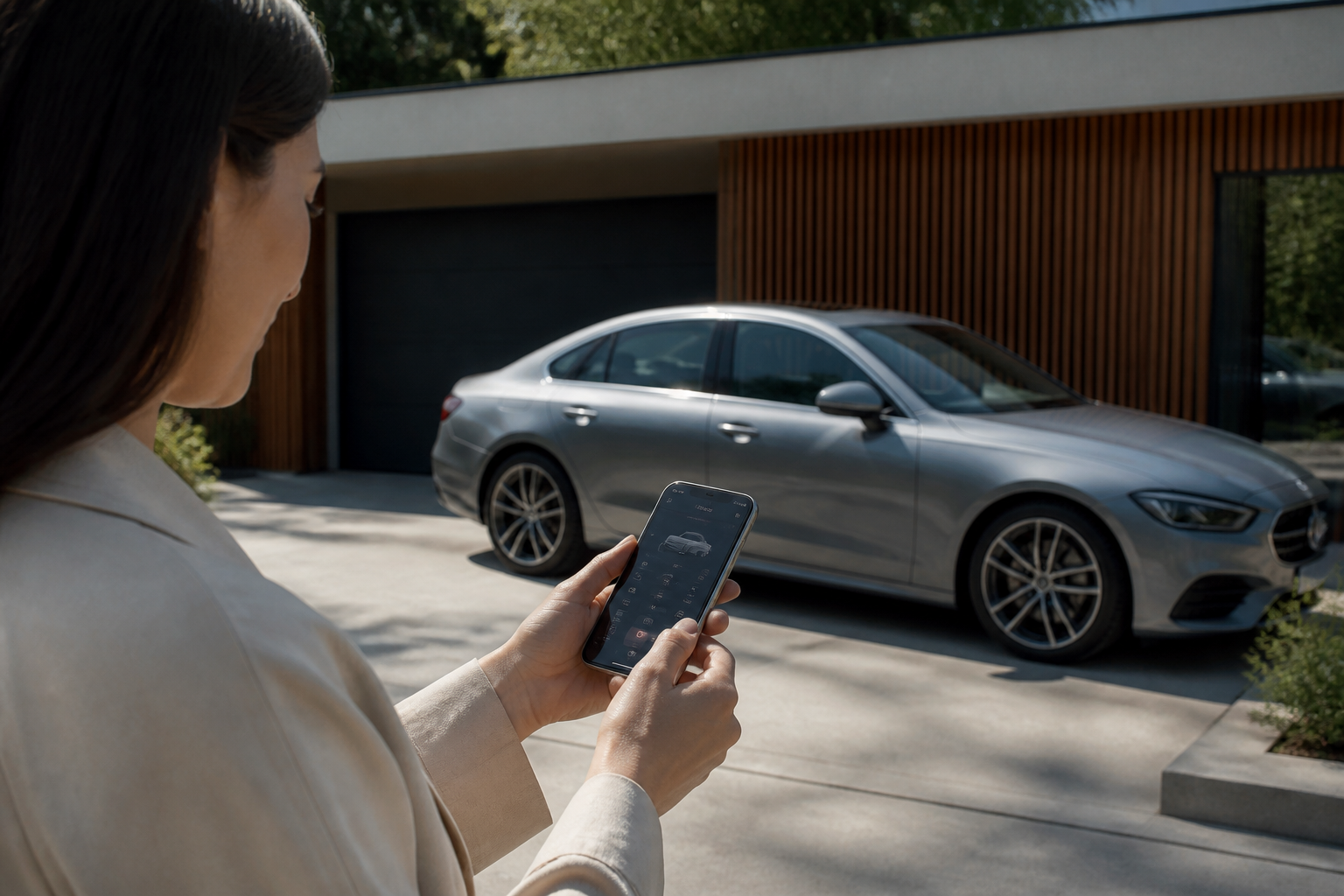
To set up Mercedes me connect: create or log into your Mercedes me account, use the Mercedes-Benz app to pair your vehicle to the account, and accept the Terms of Use during setup. Activation of remote features may take time and depends on the vehicle’s active cellular connection; in some cases activation can occur within 48 hours after a successful pairing. After activation, you can access connected services such as Remote Engine Start and Remote Door Lock/Unlock via the Mercedes me app.
Key takeaways
- Mercedes me pairing uses the Mercedes-Benz app to link the vehicle to your Mercedes me account.
- Activation timing depends on the vehicle’s connectivity and coverage area (may take up to 48 hours).
- Remote features like Remote Engine Start and Remote Door Lock/Unlock can be available once activation completes.
- Terms of Use must be accepted during setup for full access to connected services.
Mercedes me connect opens a suite of remote features and vehicle-tracking capabilities once your vehicle is linked to a Mercedes me account. This expanded guide builds directly from official Mercedes-Benz resources to provide a clear, practical path from prerequisites through pairing, activation timing, and real-world gotchas, with notes that vary by region and model year.
Prerequisites before you start
Before attempting setup, confirm you have a valid Mercedes me ID/account and a vehicle with an active cellular connection in service coverage. The Mercedes me ecosystem relies on a stable data link between your vehicle and the Mercedes me cloud, accessed through the Mercedes me app. Practically, this means:
- Your mobile device can run the Mercedes me app and has cellular or Wi‑Fi access to bring the car online for initial pairing.
- Your vehicle must be within coverage where the onboard modem can communicate with the Mercedes me network.
- Expect that activation of certain remote features may require accepting Terms of Use during the setup process and granting the app permission to control vehicle functions remotely.
Official guidance for North America emphasizes pairing the vehicle to your Mercedes me account using the Mercedes me app, then activating the connected services. Canada and USA materials also note that activation timing can vary and may depend on the vehicle’s current connectivity status. See official pages for reference: the Mercedes-Benz app information and Mercedes me connect overview for Canada, which discuss prerequisites and the activation timeline.
Pairing the vehicle to Mercedes me
The pairing process is initiated in the Mercedes me app, which links your vehicle to your Mercedes me account. The typical flow is:
- Create or sign in to your Mercedes me account in the app.
- Follow on-screen prompts to add or pair your vehicle, which associates the car’s VIN with your account.
- During setup, you may need to confirm Terms of Use and enable connectivity permissions.
After a successful pairing, the vehicle is recognized by the Mercedes me system and your account is prepared to enable remote services. It’s common for manufacturers to use the app to toggle which features are active for your specific vehicle and region, and for some models the activation order in the app may vary slightly.
Regional notes include alternative activation paths for legacy ranges: dealer-assisted activation, the mbrace response center, or in-vehicle methods such as an i-Button in some older models. These options are documented to accommodate variations in model year and market. References from USA and Canada provide examples of how activation can be completed and what indicators appear in the app once activation is underway or complete.
What activation actually means
Activation is the enabling of connected features once the vehicle is linked to your Mercedes me account. Typical remote features include Remote Engine Start, Remote Door Lock/Unlock, and remote vehicle location, among others. The activation process ultimately establishes permission and connectivity so these features can communicate with the car over the Mercedes me network and present status in the app.
Timing for activation depends on network readiness and coverage. In some cases activation is immediate after an active connection is established, while in others you may experience a delay—potentially up to 48 hours in certain scenarios—before services become fully available in the app. The need for an active data connection in the vehicle is repeatedly highlighted in official materials, as the features rely on the car communicating with the cloud.
Be aware that regional guidance may describe multiple activation routes. In newer models and regions with streamlined cloud setup, activation tends to occur automatically once pairing is complete and the vehicle has a live connection. In older or higher-cost feature tiers, activation can involve dealer interaction or a dedicated support line to finalize the provisioning.
Common gotchas and tips for a smooth setup
- Verify your Mercedes me ID is active before pairing; the app is used to link the vehicle to your account and enable services.
- Expect variability in activation timing based on the vehicle’s cellular signal, location, and network load. Prompt pairing does not always guarantee immediate feature availability.
- Ensure you have accepted Terms of Use during setup, and confirm the vehicle’s connectivity is functioning in a coverage zone when activation stalls.
- If you use a new or returning vehicle, re-check the app permissions and vehicle linkage, as some features may require re-authorization or re-pairing after a vehicle transfer or service interruption.
Across regions, the core steps remain consistent: create a Mercedes me account, pair the vehicle via the app, accept terms, and await activation of connected services once the car has an active data connection. Planning for potential delays helps prevent frustration during the initial setup window.
What to expect after activation
Once activation completes, you gain access to a range of Mercedes me connected features through the app. These can include Remote Engine Start, Remote Door Lock/Unlock, and vehicle locator, among other remote functions, depending on your model, software version, and subscribed services. The key practical point is that features appear in the app only after the vehicle is properly linked and has an active connection to the Mercedes me network.
For most users, the experience follows a straightforward progression: pair the vehicle, activate the services, then use the Mercedes me app to control and monitor the car remotely. If you are in a region with explicit activation timelines, your experience may mention a waiting period, but once the connection is established, the features you selected should become usable.
Useful reference points for setup and activation include the Mercedes-Benz app documentation and the Mercedes me connect overview for Canada, which outline the end-to-end pairing flow and the kinds of features available to remote control: https://www.mbusa.com/en/mercedes-benz-app?msockid=338fc9f2bf986b843199df6bbee16a81 and https://www.mercedes-benz.ca/content/mb-nafta/en_ca/mercedes-me-connect.html.
Practical notes: timing, region, and model caveats
Model-year differences, region-specific service offerings, and changes in Mercedes me feature sets can affect exactly which features are available and how activation occurs. Some older models rely on legacy activation methods (dealer, call center, or i-Button) prior to cloud-based activation. Always check the latest official guidance for your country or region to confirm current methods and feature availability.
In practice, a smooth setup reduces friction: ensure your account is ready, pair during a time when your vehicle is in a good coverage zone, and be prepared for short delays while the system establishes the data connection. If issues persist beyond a day or two, consulting the official support resources or your dealership can help diagnose connectivity or account problems.
Direct answer
To set up Mercedes me connect: create or log into your Mercedes me account, use the Mercedes-Benz app to pair your vehicle to the account, and accept the Terms of Use during setup. Activation of remote features may take time and depends on the vehicle’s active cellular connection; in some cases activation can occur within 48 hours after a successful pairing. After activation, you can access connected services such as Remote Engine Start and Remote Door Lock/Unlock via the Mercedes me app. See official guidance at Mercedes-Benz USA and Mercedes-Benz Canada for detailed steps and region-specific options: https://www.mbusa.com/en/mercedes-benz-app?msockid=338fc9f2bf986b843199df6bbee16a81 and https://www.mercedes-benz.ca/content/mb-nafta/en_ca/mercedes-me-connect.html.
Notes: Activation timing and feature availability can vary by market, model year, and network conditions. Always reference the latest regional materials for the most accurate steps and supported features.
Sources