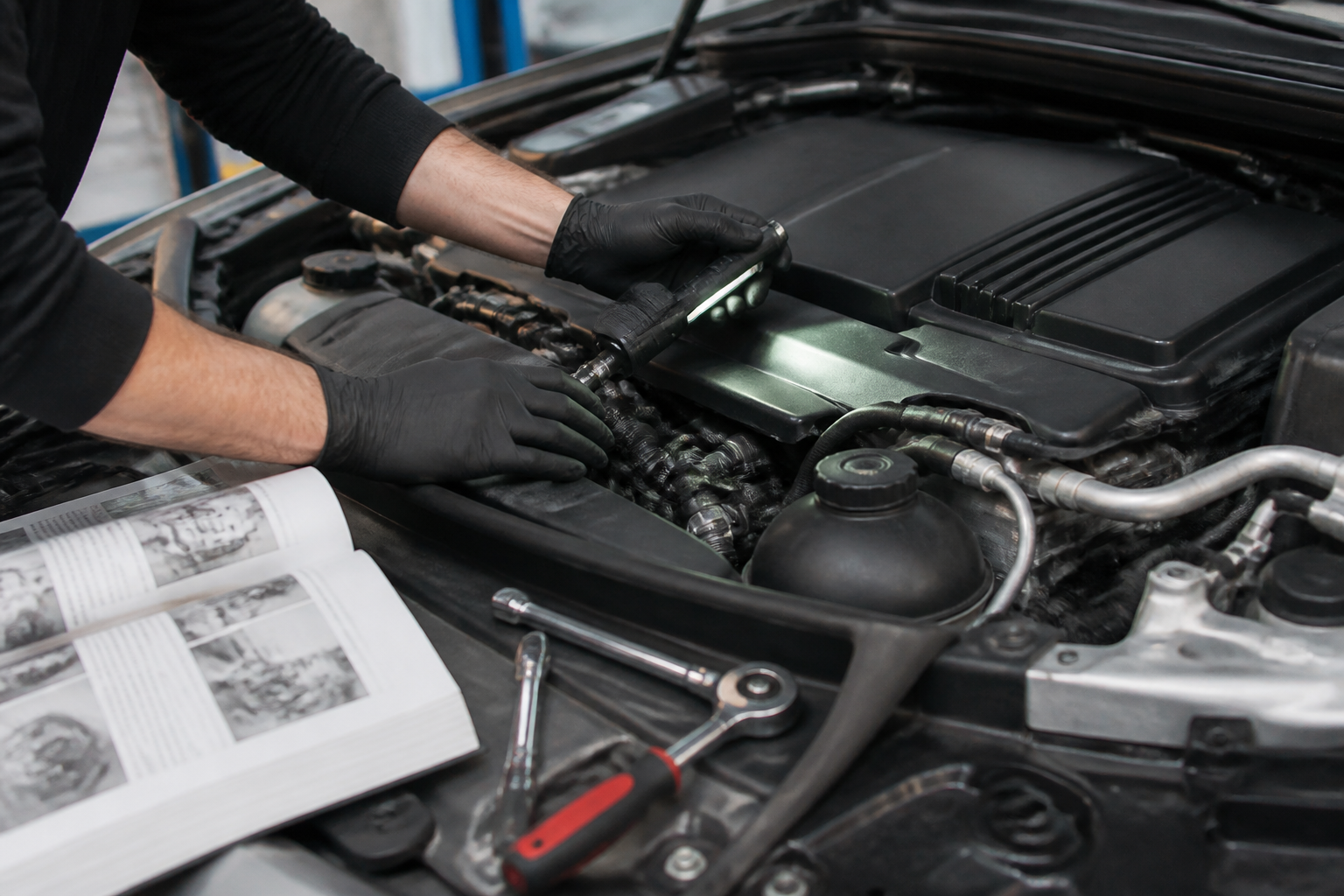
You can perform safe, non-invasive checks between dealer visits such as inspecting for leaks and exterior damage, confirming warning lights behavior, verifying fluid levels and tire pressures, and listening for unusual noises or changes in braking or steering feel. Use these checks to decide when a professional diagnostic is needed, especially for warning lights, persistent noises, or changing driving dynamics.
Key takeaways
- DIY checks can flag early issues without specialized tools.
- Use the owner’s manual and MBOS app data to guide maintenance decisions.
- Warning lights or persistent noises warrant professional diagnostics.
- DIY checks complement, not replace, dealer diagnostics for complex faults.
- Safe handling and boundaries are essential with high-voltage and critical systems.
Between dealer visits, Mercedes-Benz owners can perform practical, non-invasive checks to spot early trouble signs, protect system health, and save time when a service appointment is needed. This guide focuses on simple inspections and routine tasks that don’t require special tools or software access, while highlighting when professional diagnostics are essential. The aim is to empower you with repeatable, safe checks that complement dealer diagnostics rather than replace them.
Direct answer: what you can safely check between dealer visits
Use these checks as a high-level diagnostic cursor. They help you notice obvious anomalies—unusual noises, warning lights, fluid leaks, or performance changes—that point to the need for professional evaluation. Always consult your owner’s manual for model-specific guidance, safety precautions, and any warning light meanings tied to your vehicle’s configuration.
Pre-service checklist: quick, repeatable tasks
- Exterior and underbody quick survey: look for fresh oil, coolant, or fuel spots on the driveway; inspect for obvious body damage or loose panels after a drive. Note any new stains or dampness under the car.
- Fluid levels visually checked (without removing dipsticks in some sealed systems): verify coolant reservoir level between min and max marks if visible, and check windshield washer fluid. For models with accessible reservoirs, ensure caps are tight and there are no signs of contamination.
- Battery health cues: inspect for corrosion on terminals and ensure the cover is secure. If your Mercedes uses a 12‑V battery in the trunk or under the rear seat, look for any loose connections or a swollen case (do not press or puncture a swollen battery).
- Tire health: check tread depth and look for uneven wear, sidewall damage, or objects lodged in the tread. Verify each tire is inflated to the recommended pressure when cold, using the vehicle’s placard or owner’s manual as reference.
- Brake feel and pedal travel: note any sponginess, increased stopping distance, or unusual vibration when braking gently from modest speeds. Do not depress the brake pedal to the floor; minor changes should be discussed with a technician if they persist.
- Lights and signaling: verify all exterior and interior lights operate correctly, including high beams, turn signals, hazard lights, and daytime running lights. Replace bulbs as needed with the correct part number for your model.
- Wipers and visibility: ensure wiper blades clear the glass without streaking and that the windshield washer system functions. Replace blades if they smear or chatter.
- Air filter check (visual): if accessible without tools, inspect the intake path for excessive dirt. A visibly dirty intake area or reduced airflow can justify a service visit for a proper filter replacement.
- Cabin air and odor checks: notice any unusual smells or degraded HVAC performance, which could indicate a filter issue or a system fault.
- Drive belt and pulleys (visible inspection): if your model exposes a belt, look for cracks, fraying, or glazing. Do not attempt any belt adjustments yourself; report findings during a service visit.
System-specific checks you can do with care
- Dashboard warning lights: note any active warning lights and the sequence in which they illuminate. Use the owner’s manual or MBOS/Mercedes diagnostics guide to interpret lines and symbols, and plan a service if essential warnings such as engine, transmission, or brake faults illuminate.
- Infotainment and connectivity: ensure MBOS or MBUX menus load reliably, navigation responds, and connected services (remote features, telematics) function as expected. A temporary lag is not uncommon, but persistent freezes may require software updates or re‑provisioning by a technician.
- Auxiliary systems check: verify parking sensors, adaptive cruise control, lane assist, and other driver-assistance features engage and disengage as designed. If any feature remains unavailable after a retry, document it before a service appointment.
Documentation and record-keeping: building a maintenance log
Maintain a simple log of your between-dealer checks, including date, observed issues, noises, warning lights, and any actions taken. Note the mileage at each entry. This record helps technicians reproduce conditions and accelerates diagnostics if a problem develops between visits.
When DIY checks should yield professional service
- Warning lights stay illuminated after the initial ignition cycle or reappear shortly after reset.
- Fluid leaks are detected on the ground, or you notice a continuous fluid loss while parked.
- Unusual noises, vibrations, or performance changes persist during normal driving, especially under load, acceleration, or braking.
- Electrical features fail to function reliably, or software glitches appear in MBOS/MBUX that do not resolve after a reset.
- Any collision, impact, or exposure to extreme conditions that could affect structural or system integrity.
Understanding the limits of DIY maintenance versus dealer diagnostics
DIY checks are designed for non-invasive, observable cues and routine maintenance—things you can safely verify without specialized tools. They do not replace professional diagnostics, software updates, or system recalibrations that require factory-grade equipment and expertise. Modern Mercedes models rely on networked modules that may store fault codes, perform self-diagnostics, and require secure access to MBOS for software patches. A service visit ensures proper fault code interpretation, component testing, and calibration that is essential for safety-critical systems and reliability.
Practical examples and common scenarios
- Scenario A: A minor shake at highway speeds: note whether the vibration changes with speed or direction. If it correlates with tire balance, a service visit for wheel balancing and tire inspection is warranted rather than pursuing a home fix.
- Scenario B: Sluggish infotainment response: attempt a simple reboot, then observe if the issue recurs after restart. Persistent lag or reboot loops suggest software updates or module checks by a technician.
- Scenario C: Elevated engine temperature: immediately stop and review cooling system visuals (visible leaks, radiator cap seating). If the temperature does not normalize, seek professional diagnostics to avoid engine damage.
Model-dependent caveats and limitations
Mercedes-Benz vehicles vary widely in their layout, access requirements, and what can be safely inspected without tools. Some vehicles seal critical systems behind panels or use sealed fluid reservoirs that are not user-serviceable. Always prioritize safety and consult the owner’s manual for limitations and safe handling procedures. If you’re unsure about a procedure, err on the side of caution and schedule a professional inspection.
FAQs (brief overview)
What can I safely inspect at home? Most exterior checks, tire condition, fluid visibility, light operation, and basic cabin systems can be reviewed. What often requires a professional? Engine faults, transmission concerns, brake system faults, electrical faults, and any persistent warning lights indicating a fault code. How often should you perform these checks? Do a quick visual and system check monthly, and align deeper checks with your service schedule or if you notice changes in performance or alerts.
DIY checks vs dealer diagnostics: quick comparison
| Aspect | DIY checks | Dealer diagnostics |
|---|---|---|
| Purpose | Spot obvious issues early | Deep fault codes and software health |
| Tools required | None or basic (tire gauge, flashlight) | MB-specific diagnostic tools and software |
| Time investment | 15-30 minutes for each check walk-around | Varies; typically 1-2 hours including test drive and resets |
| Risk | Low when following safety notes | Higher; can involve component access and software; Outcome; Initial triage and issue awareness; Definitive fault determination and repair plan |
| Cost impact | Minimal if issues are minor | Higher due to parts, labor, and possible software updates |
Frequently asked questions
What can I safely inspect at home?
Exterior condition, tire pressure, fluid levels (where accessible), warning light behavior, and audible changes while driving. Avoid opening high-voltage components or electrical systems.
How often should I perform these checks?
Do a quick visual and system check monthly and before long trips. More in-depth checks should occur whenever a warning light appears or you notice a performance change.
What signs indicate professional service is needed?
Steady illumination of warning lights, abnormal noises, braking issues, fluid leaks, unexplained power loss, or any persistent changes in handling.
Can I reset service reminders myself?
Only if instructed in the owner’s manual. Incorrect resets can affect maintenance scheduling and telematics-based reminders.
Do these checks affect warranty?
Following the approved DIY steps generally does not affect warranty, but avoid unauthorized repairs or modifications. Check MB warranty terms for region-specific guidance.