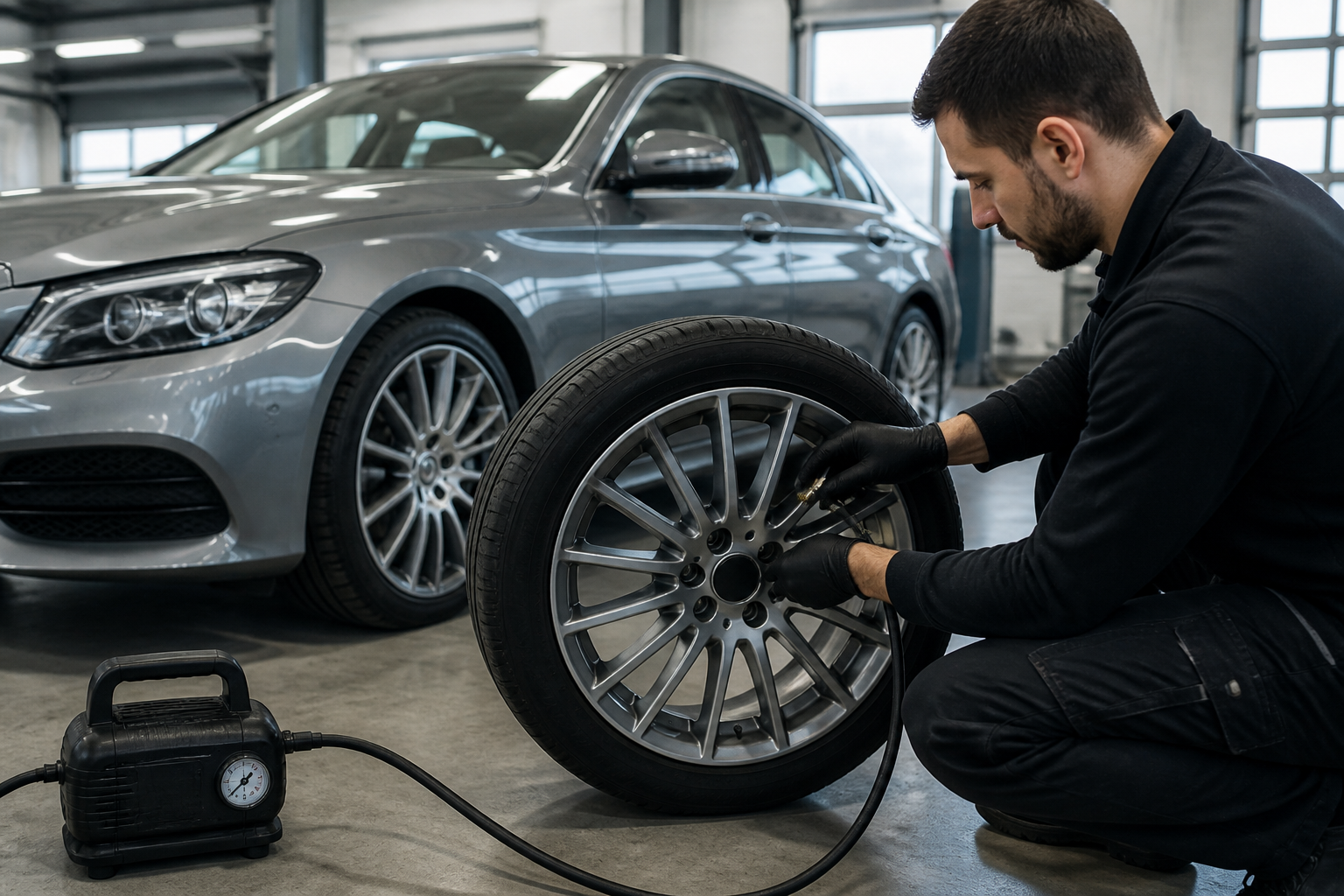
Restart the TPMS using the on-board menu: Settings → Tire Pressure Monitor → use current pressures as new reference values, then confirm. After the restart, look for a message that says the TPMS was restarted. Drive for a few minutes so the system can verify the new pressures; if the restart message doesn’t appear within a few seconds, repeat the restart.
Key takeaways
- Restart TPMS after tire pressure or wheel changes via the vehicle menu (Settings > Tire Pressure Monitor).
- The system stores current pressures as the new reference values and displays a confirmation when restarted.
- A short drive (a few minutes) is usually required for the TPMS to accept the new pressures; if the restart message does not appear quickly, repeat the restart.
Resetting or reinitializing the Tire Pressure Monitoring System (TPMS) after tire pressure changes or wheel work is a routine maintenance step for Mercedes-Benz owners. The TPMS relies on reference pressures stored in the vehicle’s computer to determine when a tire is underinflated. When tires are inflated to new values or wheels are swapped, those references must be updated so the system can distinguish normal variations from actual underinflation. This article provides a detailed, model-conscious procedure for performing the restart via the Mercedes on-board menu, explains the confirmation signals you should expect, and outlines the typical learning period the system undergoes after a restart. While the general steps are consistent across many MB models, check your owner’s manual for any model-year-specific screen wording, menu paths, or timing since interfaces can vary slightly by year and infotainment version.
When you should restart the TPMS
A TPMS restart is recommended after any of the following events:
- You set new tire pressures intentionally (seasonal tires, different load conditions, or fuel-economy adjustments) and want the system to reference these pressures going forward.
- You changed or rotated wheels/tires, including switching to a different size or to run-flat tires, which changes the reference pressure values the system uses to detect underinflation.
- You replaced a tire or performed a repair that affected sensor data or the position of the tire on the wheel, potentially altering the baseline readings.
Initiating a restart helps the TPMS recalibrate and report accurate readings, reducing nuisance warnings and ensuring the driver sees realistic alerts only when pressures genuinely fall outside the expected range.
Step-by-step: how to restart TPMS using the Mercedes on-board menu
- Park safely, apply the parking brake if available, and start the vehicle to access the on-board computer interface.
- Access the vehicle settings through the instrument cluster or the multimedia/navigation screen. Depending on the model, you may find TPMS options under Settings, Vehicle, or a Maintenance/Service submenu.
- Open the Tire Pressure Monitor submenu. Locate an option labeled with terms such as Use current pressures as new reference values, Restart TPMS, or similar wording.
- Select the option to use current pressures as the new reference values. Confirm the action when prompted (often Yes or Restart).
- Wait for the system to process the command. The display should show a confirmation message indicating the restart was accepted, such as Tire Pressure Monitor Restarted or an equivalent phrase.
Important notes:
- If the restart confirmation does not appear within a few seconds after confirming, or if the message disappears and TPMS warnings persist, repeat the restart procedure. Some interfaces require re-entry of the TPMS screen or re-selection of the command to trigger the restart correctly.
- In rare cases, a restart may be blocked by an anomaly in sensor data or a temporary fault. Ensure all tire pressures are within the vehicle’s acceptable range before retrying.
What to expect during the learning (calibration) period
After you complete the restart, the TPMS enters a learning (calibration) period during which it validates the new reference pressures against real-time readings while the vehicle is in motion. This drive-based learning phase is typically short but can vary by model and conditions. General expectations include:
- The system continuously compares current tire pressures to the newly stored reference values to confirm they are sensible and within expected tolerances.
- For many Mercedes-Benz models, the learning period completes after a brief drive cycle, often just a few minutes of regular driving. Some instructions specify a complete calibration window that may require light to moderate daily driving rather than a single highway stint.
- During the learning phase, you might still see intermittent TPMS messages if a tire pressure changes noticeably, or if you rotate wheels, until the system fully accepts the new references.
To help the process, drive under normal conditions with steady speeds and avoid aggressive cornering or abrupt changes in load. If the vehicle indicates that it is still learning after a reasonable drive, recheck the tire pressures with a precise gauge and confirm they match the target values, then continue a normal drive cycle to complete calibration.
What messages indicate success and what to do if they don’t
The primary indicator of a successful restart is a clear confirmation message on the instrument cluster or infotainment display, typically wording such as Tire Pressure Monitor Restarted or an equivalent phrase. Depending on the interface, the message could appear as a banner, pop-up, or within the TPMS screen alongside the current tire pressures.
If you do not see a restart confirmation, or if a warning lamp remains illuminated after attempting the restart, try these steps:
- Verify current tire pressures with a precise gauge and compare them to the recommended cold-inflation pressures listed on the placard or in the owner’s manual. If any tire is outside the acceptable range, correct it and reattempt the restart.
- Repeat the restart procedure exactly as described. Some MB interfaces require backing out to the main menu and re-entering the Tire Pressure Monitor section to trigger the restart correctly.
- If the problem persists, consult the dealership or a qualified technician to check for sensor faults or TPMS module issues. Persistent warnings can indicate a sensor failure, damaged valve stems, or depleted battery in the sensor.
Regulatory and vehicle-system context
The U.S. National Highway Traffic Safety Administration (NHTSA) confirms that TPMS resets should follow the vehicle owner manual and that a driving-based calibration period occurs after a reset. The principle is that the system must observe actual tire pressures under typical operating conditions to establish a safe baseline. While exact timing and prompts may vary by model year and interface, the underlying concept—resetting to the current pressures and then driving to calibrate—is consistent across Mercedes-Benz vehicles equipped with a manual restart feature.
Practical tips and caveats
- Keep a reliable tire-pressure gauge in the vehicle or toolkit. The in-car display is convenient, but an independent check ensures you truly have the expected pressures when performing a restart.
- Document the tire changes and the restart date. This record helps correlate maintenance events with any TPMS warnings that may appear later.
- Sensor-related issues can arise with age or after tire removal and re-mounting. If you notice repeated restart failures or warning lamps after a restart, have the sensors, valves, and TPMS controller inspected by a qualified technician.
- Interfaces and terminology can differ by model and infotainment version. When in doubt, follow the on-screen help prompts or consult the specific model-year owner’s manual for exact wording and button labels as they appear in your car.
By following these steps, you can ensure that your Mercedes-Benz TPMS is correctly calibrated to the current tire pressures after tire service or wheel changes, understand the typical confirmation messages, and anticipate the learning period you should expect after a restart.
Sources
- 2016 smart fortwo Operator’s Manual — “Restarting the tire pressure monitor” (Tire pressure monitor uses current pressures as reference; message + acceptance after a few minutes of driving)
- Tire Pressure Monitoring System -- Mercedes-Benz USA Owners Support (video)
- NHTSA Final Rule: Federal Motor Vehicle Safety Standards; Tire Pressure Monitoring Systems (FMVSS 138 / TPMS) — system reset (if applicable) and calibration/learning phase drive time