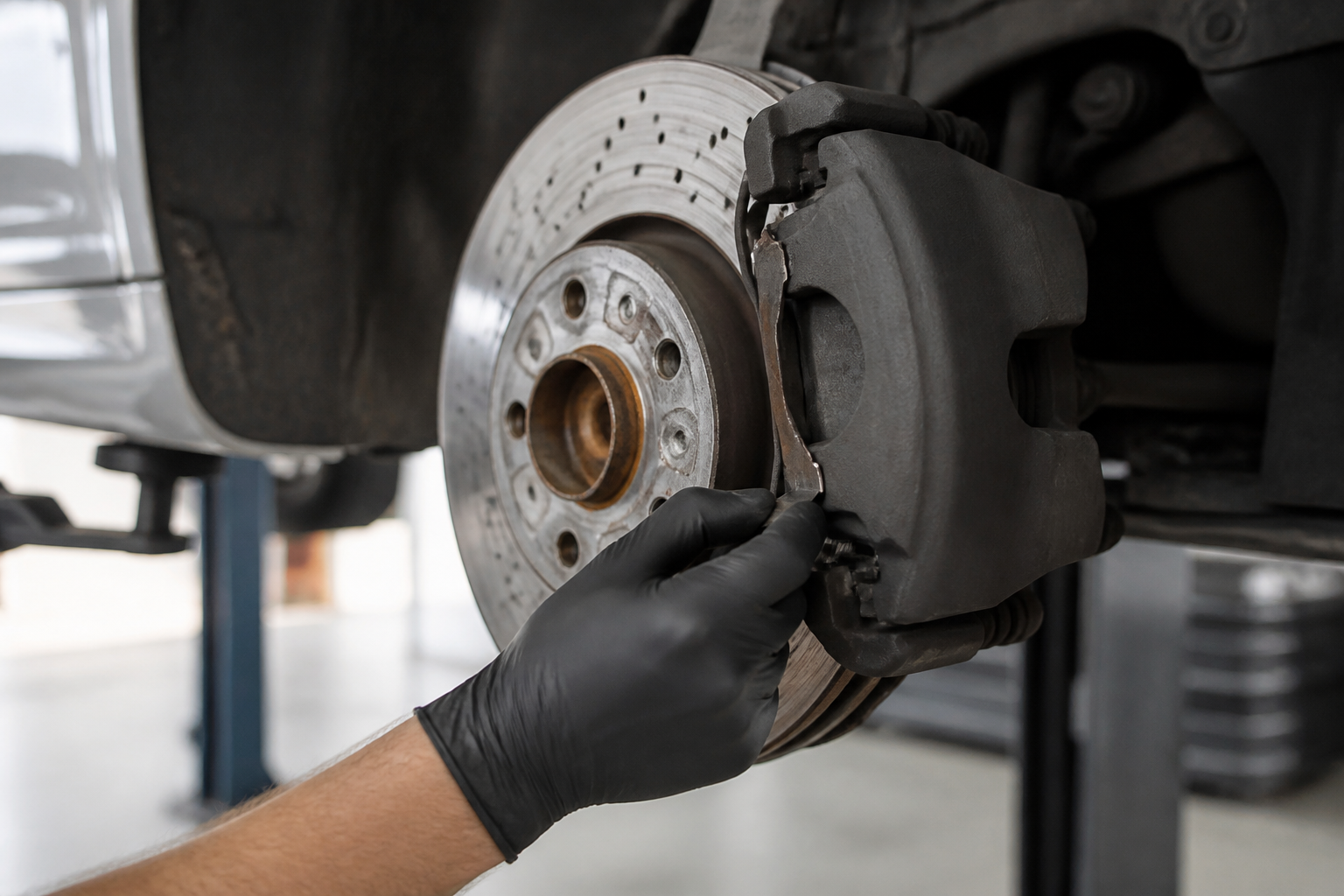
Brake pad wear indicators use dedicated caliper sensors that detect pad thickness on both front and rear axles. When wear exceeds the threshold, the sensors trigger the dash warning via the SAM units and ASSYST PLUS service indication. The system is complemented by owner guidance to visually inspect pads and replace wear indicators as part of pad replacement, using Mercedes-Benz approved components. If the warning persists after pad replacement, a recalibration or reinitialization of the service indicator may be required.
Key takeaways
- Wear indicators rely on front and rear brake pad sensors connected to ASSYST PLUS through SAM control units.
- A dash warning signals that pad replacement is required when wear thresholds are reached.
- Sensors are typically replaced with the brake pads; use Mercedes-Benz approved parts for proper fit and warning accuracy.
- Regular visual inspection of pads is recommended in addition to sensor monitoring, per MB owner materials.
Mercedes-Benz brake pad wear indicators form a coordinated, data-driven system that keeps you informed about brake pad life and helps schedule maintenance before braking performance is affected. The dash warning you see is the result of multiple inputs working together, not a single sensor blinking in isolation. By understanding how the wear indicator sensors, the control modules, and the ASSYST maintenance logic interact, you can interpret the alert with confidence and take the right steps at the right time.
How the wear indicator system works in practice
Two axes are monitored: front and rear. Each axle relies on a dedicated wear sensor located on the corresponding brake caliper. Specifically, a contact sensor on the right-front caliper monitors the front pads, while a sensor on the right-rear caliper monitors the rear pads. The sensor readings are collected by the respective SAM (Service Allocation Module) control units. These modules forward the data over the vehicle’s data network to the ASSYST PLUS integrated module, which runs the service-life calculations and triggers the service indication you see on the dash.
In practical terms, the sequence looks like this:
- Braking wear reduces pad material, and the contact sensor detects when the pad thickness crosses a critical threshold.
- Each axle’s wear data is tracked separately, so you can have different wear states on the front and rear, which is important for balancing braking performance and rotor wear.
- ASSYST PLUS compares wear data against predefined maintenance thresholds and generates a service reminder when pad replacement is advised.
Because the wear indicator is integrated with the pad and sensor assembly, replacing pads generally requires installing new wear indicator sensors as part of the pad kit. The system is designed so the sensor is paired with a specific pad thickness and wear threshold, which is why many official sources describe the wear indicator sensor as a one-time-use component tied to the pad set.
What the dash warning means and how to respond
The warning is the vehicle’s way of telling you that pad thickness has reached a level where braking effectiveness could be compromised, and a service is needed. It is not an immediate, emergency brake failure signal, but ignoring it can lead to rotor scoring, reduced bite, or longer stopping distances. The alert is tied to ASSYST PLUS maintenance logic, which is designed to help you plan work before material loss becomes critical.
Owners sometimes notice that the warning persists after installing new pads. Two common explanations are:
- Residual wear data in the ASSYST PLUS module: the system may retain the prior wear reading until the new pads and sensors are fully recognized by the system or until the next recalibration event.
- Need for reinitialization: in some vehicles, the service indicator must be reinitialized or recalibrated to reflect the updated pad life when pads are replaced.
To address a warning effectively, use this practical checklist:
- Book a brake inspection with a qualified technician to verify pad thickness on both axles and inspect rotor surfaces for scoring or uneven wear.
- Inspect both front and rear assemblies, since wear data is collected per caliper and alert timing may differ between axles.
- When replacing pads, install new wear indicator sensors as part of the pad kit. This aligns the sensor with the new material’s expected life threshold.
- Choose Mercedes-Benz approved or recommended pads and rotors to maintain calibration, pedal feel, and brake balance. Substituting aftermarket components can affect sensor fit and how the ASSYST system reports wear.
- If the warning remains after pad replacement, have the system reinitialized or recalibrated by a dealer or technician who can access ASSYST diagnostics.
Practical considerations and limitations
The wear sensor helps define a planned maintenance window, but there are caveats to keep in mind:
- The sensor is tied to the pad set; replacing pads typically includes replacing the wear indicators. Reusing old sensors with new pads can lead to inaccurate or misleading readings.
- Wear data can be influenced by changes in the braking system (e.g., rotor resurfacing, caliper maintenance, or switching pad compounds). If any such work occurs, recalibration or reassessment of the ASSYST readings may be required for accurate life estimation.
- Visual inspection remains essential. Even with a functioning wear indicator, drivers should routinely check pad thickness, look for glazing or cracking, and assess rotor condition and overall braking feel.
Official guidance for Mercedes-Benz Vans and related service literature emphasizes this dual approach: rely on the electronic indicator for planning maintenance, but also perform regular visual checks to catch issues the sensor may not fully reflect, such as rotor damage or pad contamination.
Context: how the information fits together
There is a clear data flow behind the indicator: pad wear signals originate at the caliper sensors, are read by the SAM control units, and are delivered to ASSYST PLUS for maintenance indication. The genuine-parts catalog confirms the wear indicator sensor as a one-time-use component designed to be replaced with the pad set. The owner’s manual guidance complements this by stressing visual checks and the use of approved components.
For readers seeking deeper technical context, the underlying principle is that the brake pad wear indicator is part of a closed data loop that estimates remaining pad life and communicates a service need before braking performance degrades noticeably. The steps outlined above reflect that loop and the recommended practice of aligning sensor replacement with pad replacement to maintain accurate wear reporting.
Practical scenarios and owner-action guidance
Case 1: New pads, lingering warning. If you’ve just replaced pads and the warning remains, consider a brief system reinitialization check with your technician. A proper reinitialization ensures the ASSYST life estimate starts from the new pad thickness and sensor data, avoiding a misread distance to wear limit.
Case 2: Uneven front/rear wear shown in service notes. Since wear is tracked per axle, a variation between front and rear wear can occur. If the front pads are nearing replacement while the rear have substantial life left, the service plan may stagger replacements to preserve braking balance and rotor health.
Case 3: Rotor inspection alongside pad service. Even with fresh pads, glazing or scoring on rotors can degrade braking performance. A comprehensive brake service may involve rotor resurfacing or replacement when advised by the technician, in addition to the new pad set and wear indicators.
References and further reading
- Brake Lining Wear Calculation, Function (GF00.20-P-3009SX) — Service Manual (CHARM): explains sensor locations and how SAM units relay data to ASSYST PLUS.
- Brake Pad Wear Indicator Sensor (MBUSA Genuine Parts Catalog): confirms sensor replacement alongside pad replacement and its one-time-use nature.
- MY22 MB Vans Operator’s Manual — Brake Pad Wear Sensor Monitoring + Visual Inspection: owner-focused guidance on monitoring, inspection, and component requirements.
Together, these sources provide a cohesive picture of how the system detects wear, reports it to the driver, and how maintenance should be scheduled to preserve braking safety.
Sources